Part 5: Git Hooks
A Practical Tutorial for Beginners to Advanced Users
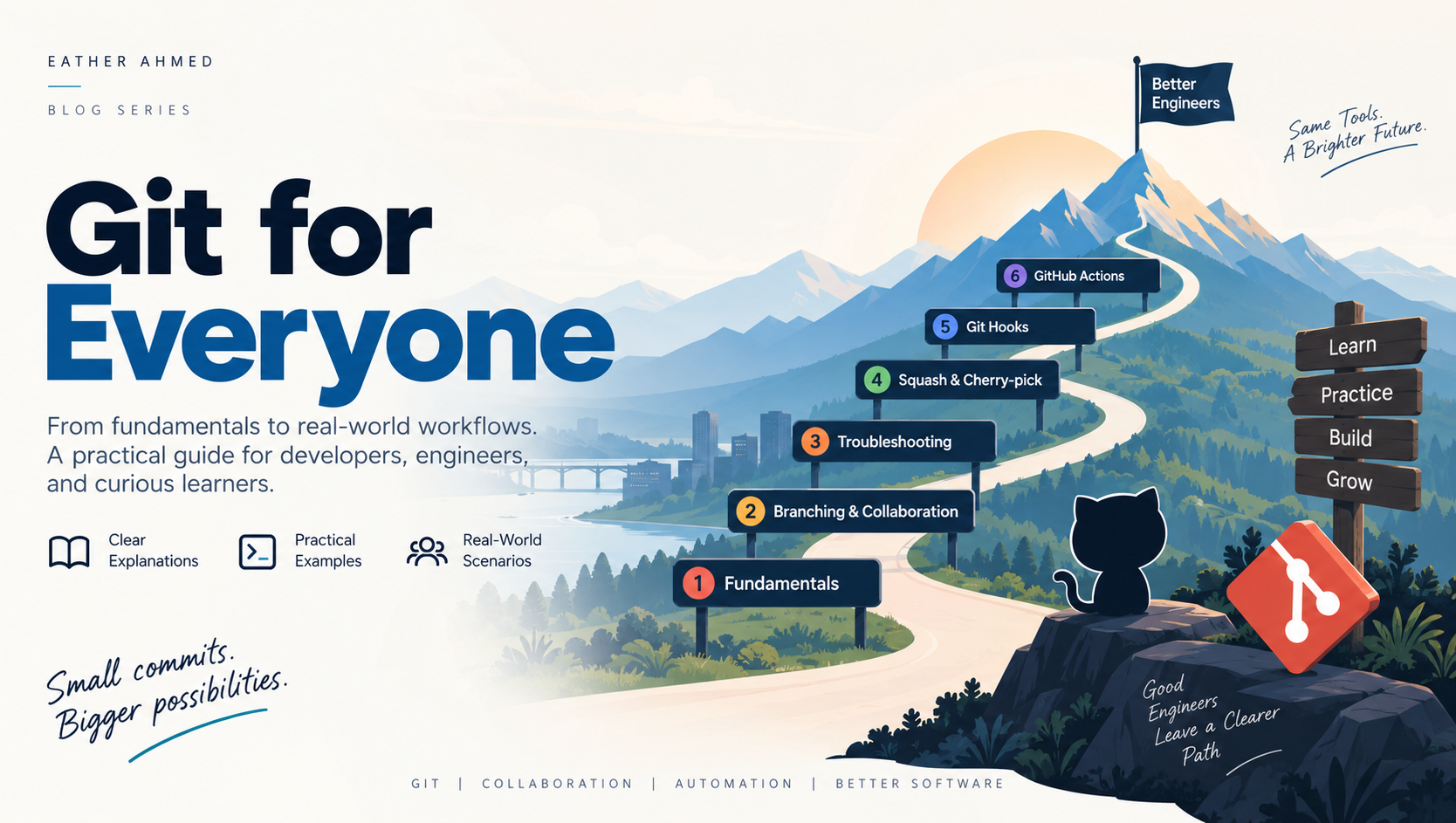
In the previous article, we learned about Git Squash and Git Cherry-pick.
Now let's take the next step toward automation.
Until now, we have mostly used Git by explicitly running commands:
git add
git commit
git push
git merge
But imagine if Git could automatically perform certain checks for us.
For example:
"Before creating a commit, check whether the code follows our standards."
Or:
"Before pushing the code, run the tests."
This is where Git Hooks become useful.
What Is a Git Hook?
A Git Hook is a script that Git automatically executes when a specific Git event occurs.
Think of it like this:
Git Event
    ↓
Git Hook
    ↓
Automatic Check or Action
For example:
git commit
    ↓
pre-commit hook
    ↓
run lint
    ↓
check formatting
    ↓
allow or reject commit
Instead of depending entirely on developers to remember every check manually, we can automate repetitive checks.
Why Do We Need Git Hooks?
Imagine a team of 20 developers.
One developer creates a commit without running the tests.
Another developer forgets to format the code.
Someone else accidentally commits a debug statement.
These small mistakes can eventually reach the shared repository.
Git Hooks can provide an early safety net.
Developer
    ↓
Git Hook
    ↓
Validation
    ↓
Commit / Push
The idea is simple:
Catch problems as early as possible.
Common Git Hooks
Some commonly used Git Hooks are:
pre-commit
commit-msg
pre-push
post-commit
post-merge
Different hooks are triggered at different points in the Git workflow.
Let's look at the most useful ones.
1. pre-commit
The pre-commit hook runs before Git creates a commit.
This makes it useful for checks such as:
Code formatting
Linting
Static analysis
Basic tests
Detecting accidentally committed files
The workflow could look like this:
git commit
    ↓
pre-commit hook
    ↓
Run checks
    ↓
PASS → Commit created
FAIL → Commit stopped
For example, imagine your project uses a linter.
Instead of asking every developer to remember:
npm run lint
the hook can execute it automatically.
If the linting fails, the commit can be stopped.
2. commit-msg
The commit-msg hook runs when Git is preparing the commit message.
This can be used to enforce a commit-message convention.
For example, your team may use:
feat: add login API
fix: resolve payment timeout
docs: update README
refactor: improve authentication service
But someone might write:
update
or:
fix
or even:
asdf
A commit-msg hook can validate the message and reject commits that don't follow the team's convention.
Consistent commit messages make Git history much easier to understand.
3. pre-push
The pre-push hook runs before Git pushes changes to a remote repository.
For example:
git push
    ↓
pre-push hook
    ↓
Run tests
    ↓
PASS → Push
FAIL → Push stopped
This gives developers one more opportunity to catch problems before sharing their changes.
Imagine you have accidentally broken an important test.
Instead of:
Developer
    ↓
git push
    ↓
GitHub
    ↓
CI fails
you might catch it earlier:
Developer
    ↓
git push
    ↓
pre-push
    ↓
Test fails
    ↓
Push stopped
That's a much faster feedback loop.
Where Are Git Hooks Stored?
Git stores repository-specific hooks inside the .git/hooks directory.
You can inspect it with:
ls .git/hooks
You may see files such as:
pre-commit.sample
commit-msg.sample
pre-push.sample
These .sample files are examples provided with Git.
A Simple Git Hook Example
Suppose we want to create a basic pre-commit hook.
Inside:
.git/hooks/
we can create:
pre-commit
For example:
#!/bin/sh

echo "Running pre-commit checks..."

npm test
The hook can then run automatically when you execute:
git commit
If the command succeeds, the commit can continue.
If the command fails, the commit can be stopped depending on the script's exit status.
The important lesson isn't memorizing the script.
It's understanding the concept:
Git Command
    ↓
Hook
    ↓
Automated Validation
Git Hooks Are Local
There is an important limitation you should understand.
Git Hooks generally live in the local repository environment.
That means different developers could potentially have different hook configurations.
Developer A → Hook installed
Developer B → Hook missing
Developer C → Different configuration
This creates an important engineering problem.
What if your project requires every developer to run the same checks?
You shouldn't rely entirely on everyone's local Git configuration.
This is one reason why professional teams combine Git Hooks with CI/CD.
Git Hooks vs CI/CD
Think about the two layers like this:
Developer Machine
        ↓
Git Hook
        ↓
Local Validation
        ↓
GitHub
        ↓
CI/CD
        ↓
Central Validation
Git Hooks provide a local safety net.
CI/CD provides a centralized safety net.
You want both.
Git Hooks and DevOps
This is where Git Hooks become particularly interesting for DevOps engineers.
A modern development workflow could look like:
Developer
    ↓
Create Branch
    ↓
Write Code
    ↓
git commit
    ↓
Pre-commit Hook
    ↓
git push
    ↓
Pull Request
    ↓
CI Pipeline
    ↓
Tests
    ↓
Security Scan
    ↓
Code Review
    ↓
Merge
    ↓
Deploy
Notice what happened.
Git is no longer simply being used to store source code.
It has become part of the software delivery process.
An Important Engineering Principle
There is a valuable principle behind Git Hooks:
Don't depend on human memory for repeatable checks when you can automate them.
For example, if every developer must remember:
Run formatter
Run lint
Run tests
Check commit message
Check for secrets
eventually someone will forget something.
Automation reduces that dependency on memory.
This principle goes far beyond Git.
It's one of the fundamental ideas behind DevOps.
But Don't Put Everything Into Git Hooks
It can be tempting to put every possible check into a pre-commit or pre-push hook.
That can create another problem.
Imagine a developer runs:
git commit
and then has to wait 15 minutes while a huge test suite executes.
The development experience becomes painful.
A better approach is to keep local checks relatively fast and move heavier validation into CI.
For example:
Local
 ↓
Formatting
Lint
Fast unit tests

CI
 ↓
Full test suite
Integration tests
Security scanning
Build
Deployment checks
This creates a better balance between developer productivity and quality control.
Git Hooks + GitHub Actions
Now we can see how the two technologies complement each other.
                 Developer
                     ↓
              Git Hook Checks
                     ↓
                  git push
                     ↓
                GitHub
                     ↓
             GitHub Actions
                     ↓
        ┌────────────┼────────────┐
        ↓            ↓            ↓
      Build         Test       Security
        └────────────┼────────────┘
                     ↓
               Pull Request
                     ↓
                Code Review
                     ↓
                  Merge
This creates multiple layers of protection.
Final Thought
Git Hooks may look like a small Git feature, but they introduce an important engineering mindset:
Automate repeatable work and catch problems early.
A good development process doesn't wait until production to discover problems.
It tries to catch them:
While coding
    ↓
Before commit
    ↓
Before push
    ↓
During CI
    ↓
During code review
    ↓
Before deployment
Each layer provides another opportunity to prevent a problem from moving forward.
That's the real value of Git Hooks.
They are not just scripts attached to Git commands.
They are one small piece of a much larger idea:
Build quality into the development process instead of relying on people to remember everything.